
Stop letting great work go unnoticed. Kudos makes it effortless to celebrate teammates, share wins publicly, and build a culture where appreciation is part of every workday, not just the annual review.
No credit card required · Setup in 60 seconds
Most recognition falls through the cracks. Here's why Kudos fixes that.
"Someone did amazing work last sprint, but it was never acknowledged."
Talented people feel invisible and start disengaging.
"Recognition only happens in 1:1s or performance reviews, months later."
The moment passes. The meaning is lost.
"Managers are the only ones who give recognition."
Peer-to-peer appreciation, the most powerful kind, never happens.
"You have no visibility into who uplifts the team vs. who stays silent."
Culture problems stay invisible until people leave.
Kudos isn't another HR form. It's a lightweight habit that makes the people around you feel valued.
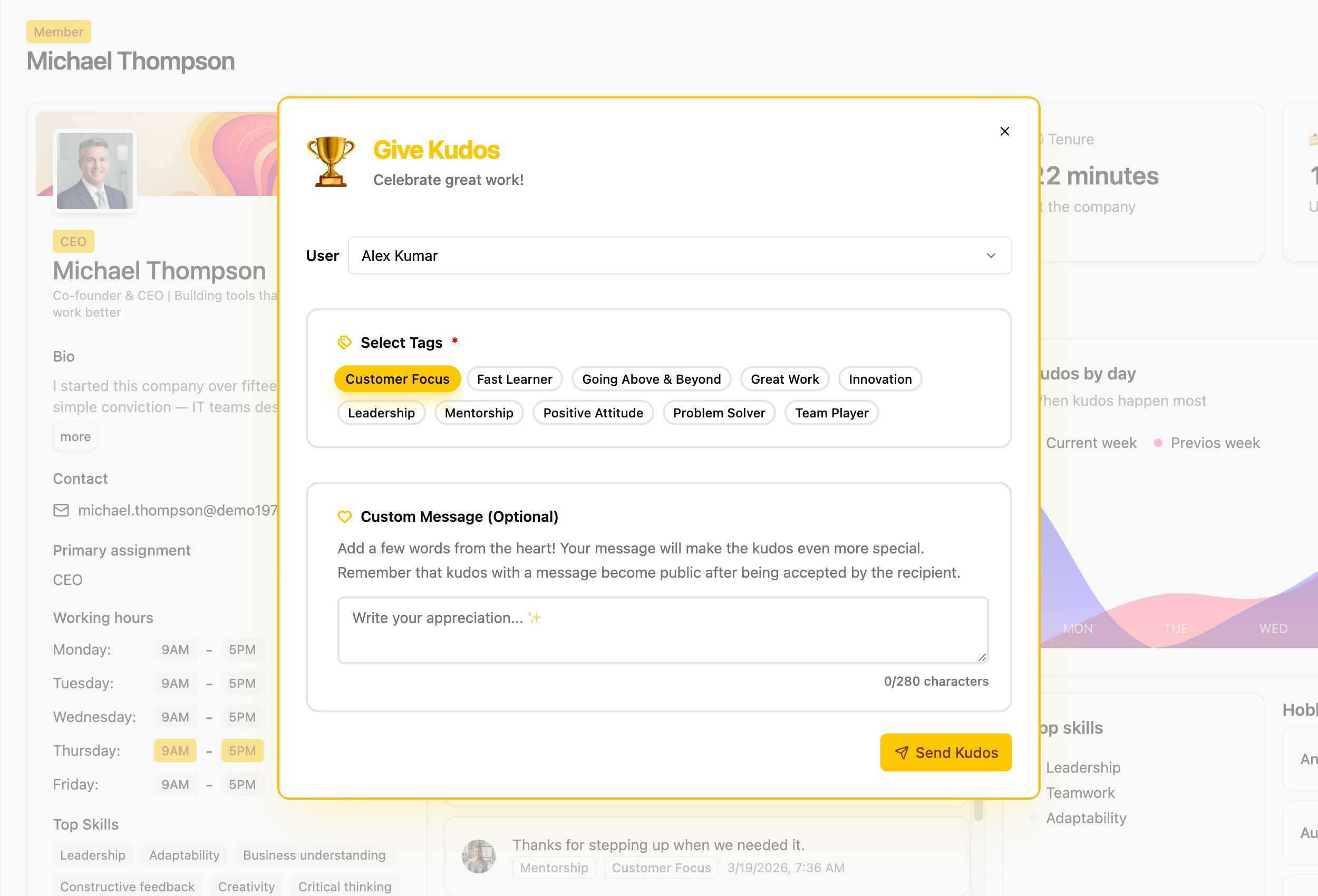
Send a kudos in under 10 seconds. No forms, no approvals for quick kudos — just immediate appreciation.
Accepted kudos are visible to the entire organization, making wins shared moments — not private whispers.
Add a custom note to explain exactly what impressed you. Words carry weight when they're specific.
Use custom tags like "Innovation", "Teamwork", or "Goes the Extra Mile" to categorize and surface patterns.
Custom kudos require acceptance before going public. Receivers stay in control of what the team sees.
When kudos are accepted, your Slack, Discord, or Telegram channel gets notified automatically.
From a quick thumbs-up to a heartfelt thank-you — Kudos works for any team, any situation.
Recognize contributions that made the sprint a success while the wins are still fresh.
Help new hires feel welcomed and seen from day one with public recognition from the whole team.
Acknowledge help from people outside your direct team — the kind of work that's usually invisible.
When you can't high-five in the hallway, Kudos gives remote workers the visibility they deserve.
Recognizing up is rare and powerful. Let teams acknowledge great leadership openly.
Tag kudos with your company values and watch them come to life as real behaviors — not just wall posters.
Everything you need to know about Kudos on Mumu
A quick kudos has no message — you select a person and at least one tag, and it goes live immediately. A custom kudos includes a personal message and requires the receiver to accept it before it becomes visible to the whole organization.
Yes. Custom kudos (those with a message) must be accepted before they become public. If the receiver declines, the kudos stays private and is not shown to anyone else in the organization.
Any member of the organization. Kudos can go in any direction — peer-to-peer, up to a manager, down from a manager, or across teams.
Tags are managed by organization admins (users with correct permission). Regular members can select from existing tags but cannot create or edit them.
When a kudos is sent, a notification goes to the receiver privately via in-app notification and email. Separately, an org-wide notification fires to any channels you have configured — Slack, Discord, Telegram, etc.
Yes. The Kudos module has four tabs: Accepted (received), To Review (pending acceptance), Rejected, and Given (sent by you).
No. There are no rate limits on kudos. Send as many as your team culture calls for.
Yes. The receiver can reject a kudos at any time. If rejected, it disappears from the feed.